[ Meta Launch ]
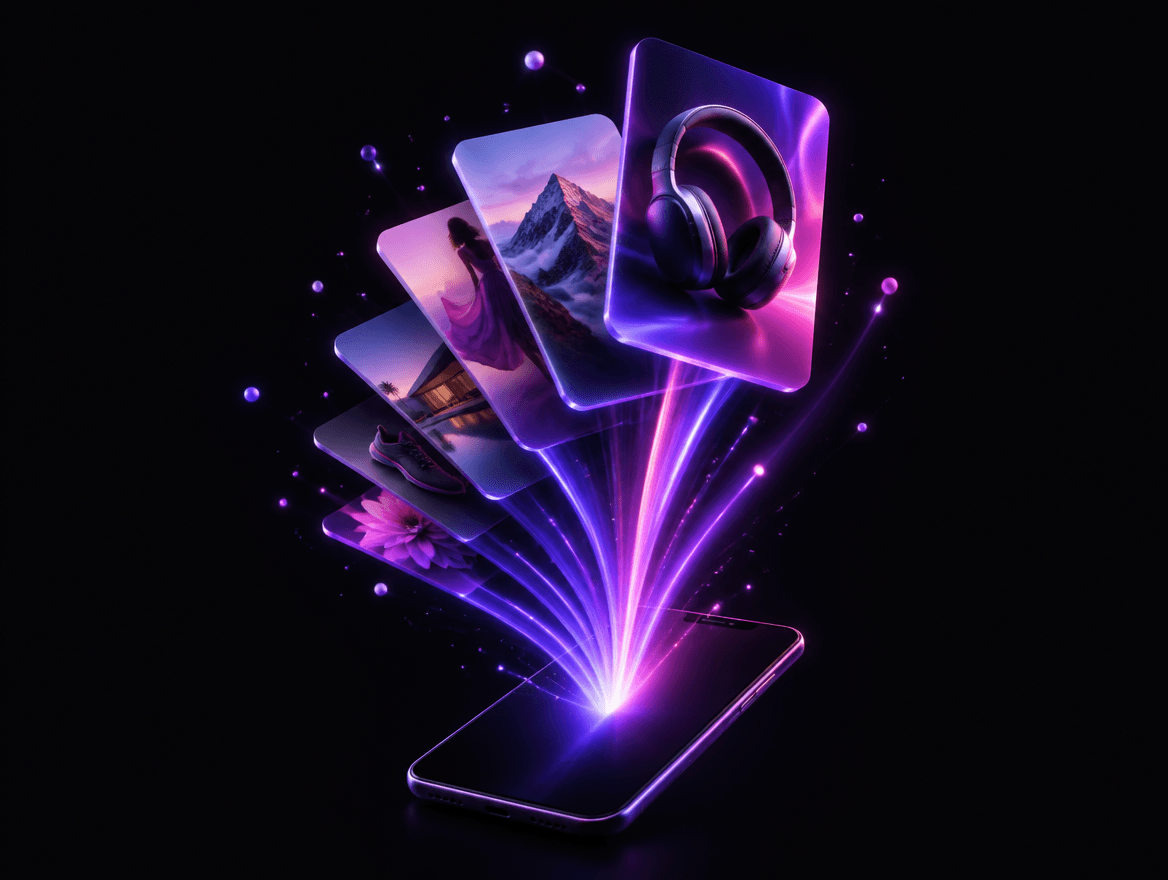
From gallery to Ads Manager in seconds
Select your new creatives, choose a campaign and ad set and launch. One ad per image, with your page, Instagram account, pixel and up to five text variations.
Start now for freeCampaign
🟢 Scale · DACH
Ad set
New · €40/day
 Glow serum · DE · v3✓ Launched
 Glow serum · DE · v4✓ Launched
 Night cream · AT · v1Launching…
 Night cream · CH · v2Waiting
5 primary texts · 3 headlines · Advantage+ creative
[ Core features ]
Everything meta launch does
Bulk launch
Launch 1 or 50 ads in one go, each as its own ad.
Text variations
Up to five primary texts, headlines and descriptions per ad.
New or existing ad sets
Add to a running ad set, or create one with your saved defaults.
Your own images too
Upload creatives that weren't made in Noxie and launch them together.
[ Workflow ]
How it works
- 1
Step 1: Connect Meta
Log in with Facebook and pick your ad account, page and pixel.
- 2
Step 2: Select creatives
Choose the finished ads in your gallery.
- 3
Step 3: Pick the ad set
Existing or new, with budget, audience and placements.
- 4
Step 4: Launch
Ads are created in Ads Manager and go live after Meta's review.
Does Noxie post ads without asking?
Never. Ads are only created when you click Launch.
Which accounts do I need?
A Meta ad account, a Facebook page and optionally an Instagram account and pixel.
Can I edit the ads afterwards?
Yes. They're normal ads in Ads Manager, with a direct link from Noxie.
What is Noxie?
Noxie finds the best-performing image ads in the Meta Ad Library, rebuilds them with your product and native copy, launches them to Meta and shows your real profit per day.
Who is Noxie for?
Shopify brands, dropshippers, media buyers and agencies that run Meta ads and need more creatives.
Ready to launch your next winner?
Start with one store. Your first creatives can be live on Meta today.
Start now for freeWelcome back, Lena.
Live